 CreateYourMap.com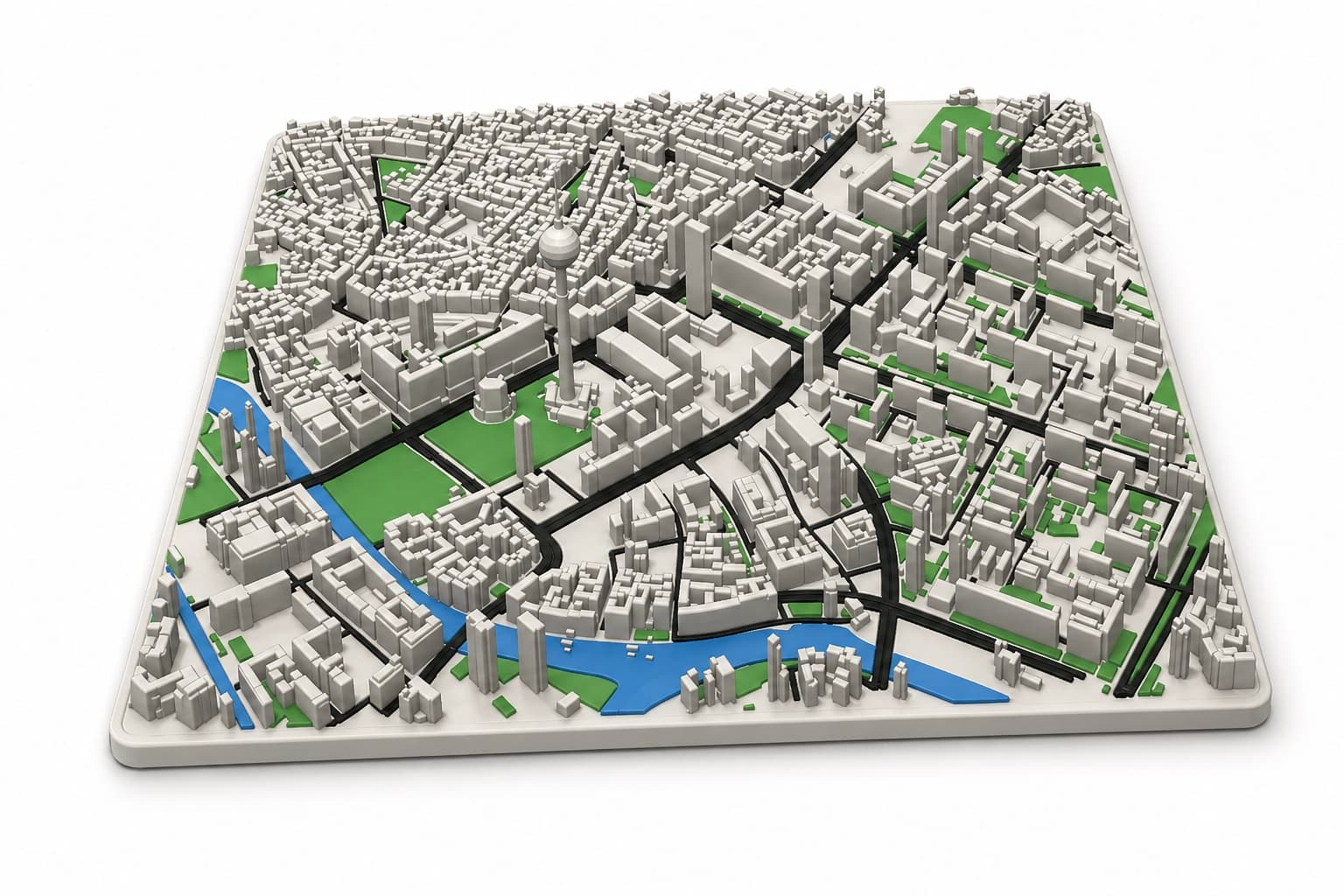
01 · 3D Map
Cities become tactile objects.
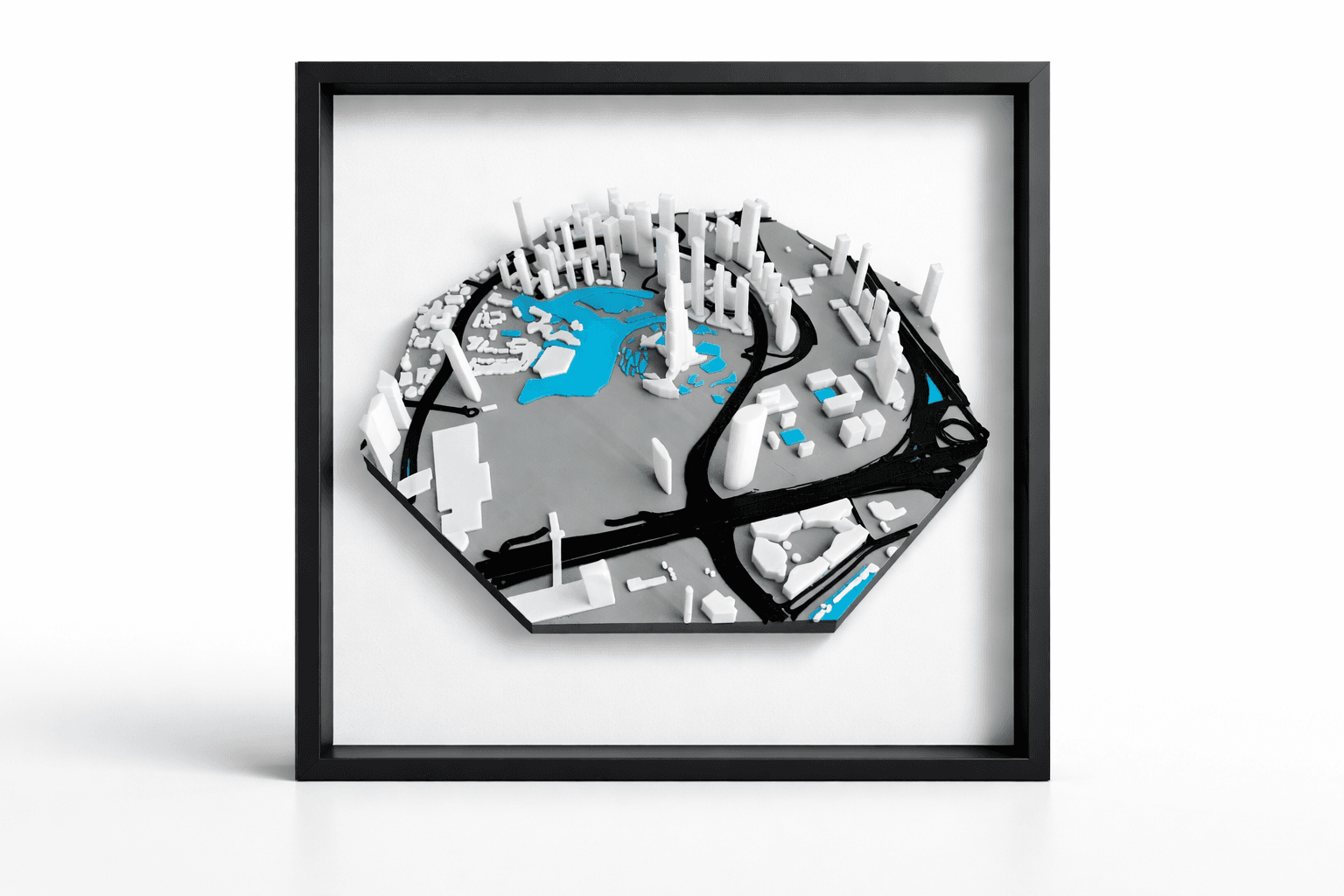
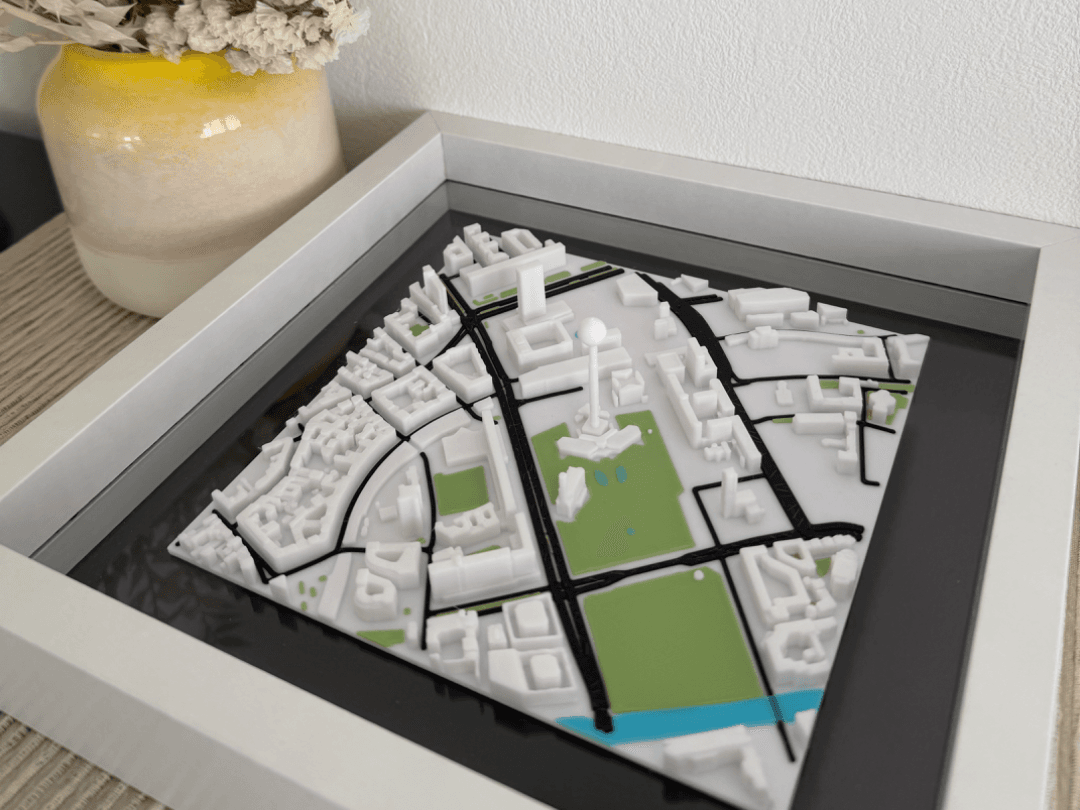
Choose any real place, tune buildings, roads, water and terrain, then export a clean STL or multi-part 3MF.
Build a 3D mapReal maps · Made physical
Turn any city, trail or memory into a custom 3D map, tactile route model or gallery-ready poster — directly in your browser.
Choose the object
Choose any real place, tune buildings, roads, water and terrain, then export a clean STL or multi-part 3MF.
Build a 3D map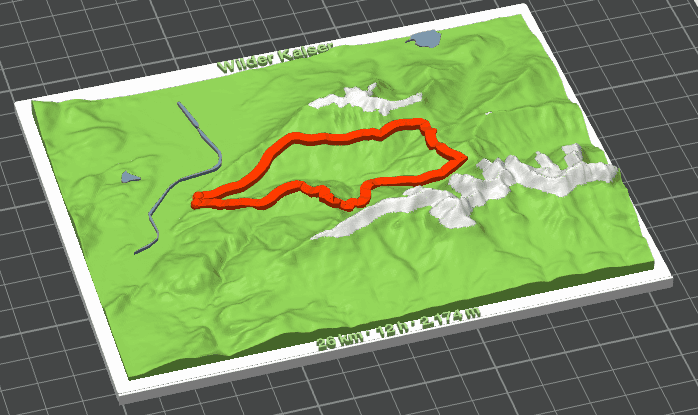
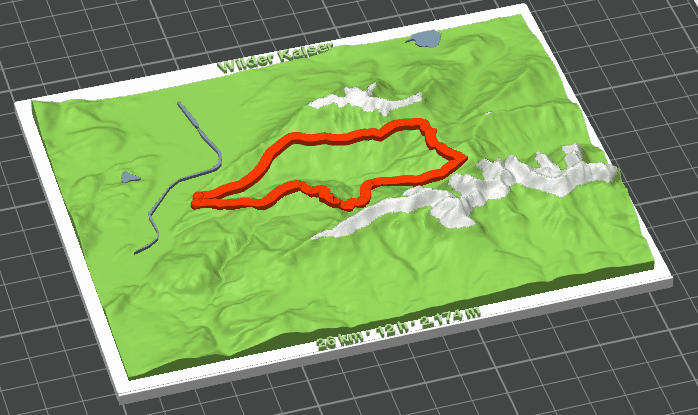
Import a GPX track and turn a hike into terrain with a raised route, editable statistics and print-ready parts.
Create a trail model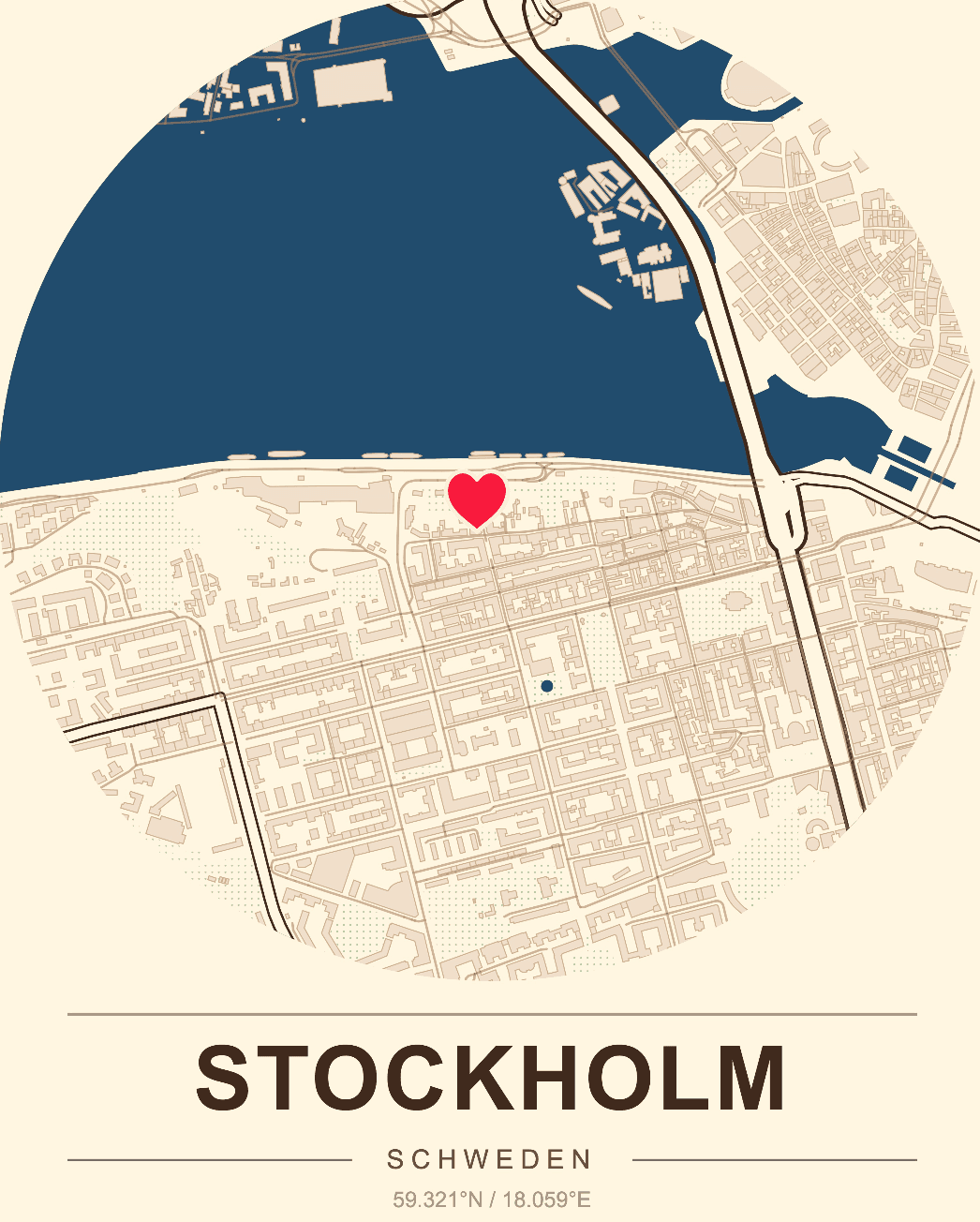
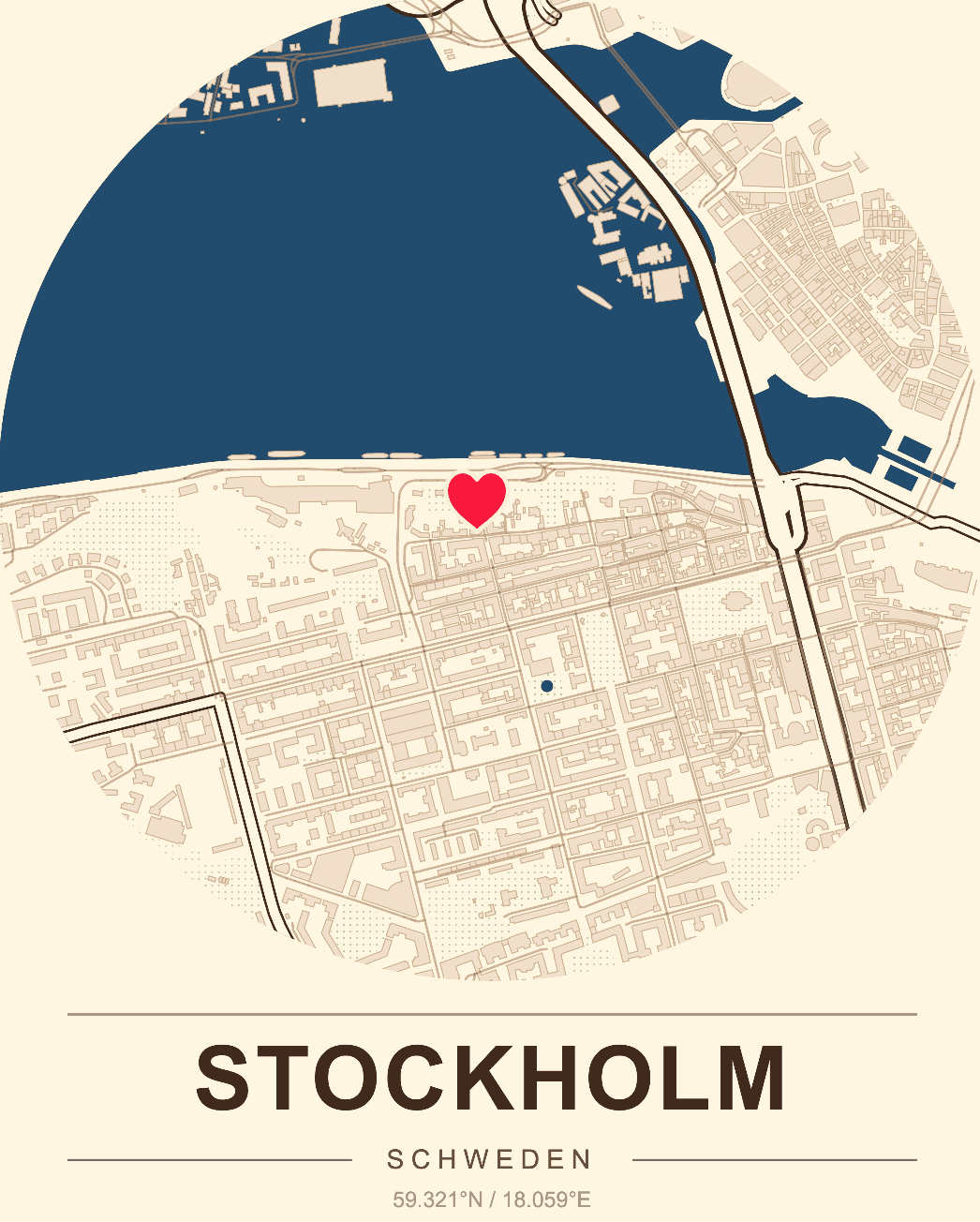
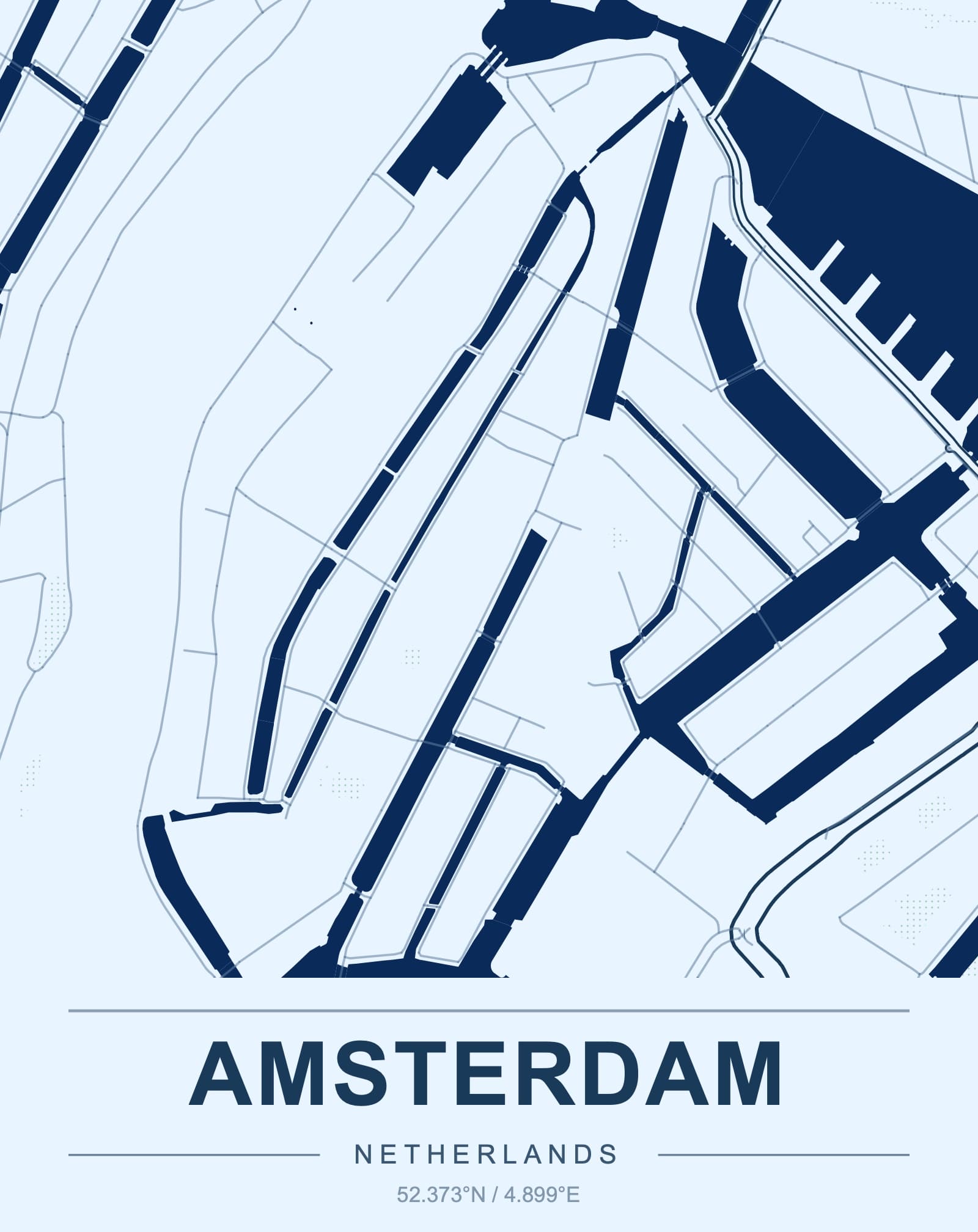
Compose a map poster around a city, memory or landmark and export high-resolution artwork for framing.
Design a map posterA simple workflow
The studio handles the map data and geometry. You make the decisions that give the object meaning.
Search a location, define an area or import a GPX route.
Choose the footprint, scale, terrain and visible layers.
Tune colors, markers, route captions and composition.
Download STL, 3MF or a high-resolution poster PDF.
Made from real places
Learn the craft
Plan a custom map model from any city or landscape.
Prepare a single-file map model for your slicer.
Make buildings, streets and landmarks the focus.
Use real elevation for mountains, valleys and coastlines.
Choose a crop, simplify details and dial in slicer settings.
Explore city, terrain, riverfront and memory map ideas.
Frequently asked
A browser-based map studio for creating printable 3D maps, GPX trail models and high-resolution map posters from real-world geographic data.
3D map projects export STL and 3MF files. Poster projects export a high-resolution PDF for print shops or home printing.
Yes. TopoPrint reads GPX tracks locally in your browser and uses the route to create the printable terrain area and route statistics.
No. You select the area and layers in the studio, then open the exported STL or 3MF directly in your preferred slicer.